Instruments
Instruments can be used with a Canvas for UI or with 3D instruments
for use in cockpits.
Check the Cirrus SR22 aircraft in the main demo scene for a configured cockpit instrument setup.
Warning: For the 3D indicators (non-canvas) to work properly they need to have the Z-axis set as the rotation axis in the 3D modelling software. If that is not an option it can also be done in Unity, see Fixing Z-Axis Orientation.
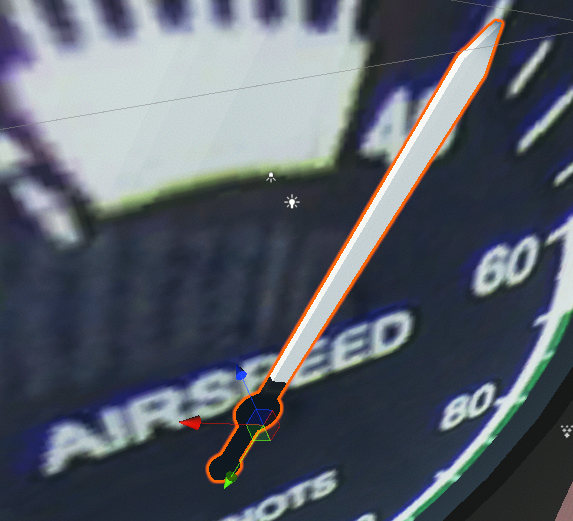
Airspeed
Displays current aircraft airspeed on an analog gauge using a rotating needle. See HUD_Airspeed for detailed configuration and usage.
Altimeter
Displays aircraft altitude using a three-hand analog altimeter design with 100ft, 1000ft, and 10000ft increments. See HUD_Altimeter for detailed configuration and usage.
Attitude
Displays aircraft pitch and roll attitude. See HUD_Attitude for detailed configuration and usage.
Heading
Displays aircraft compass heading direction. See HUD_Heading for detailed configuration and usage.
Turn Indicator
Displays aircraft turn rate and slip/skid information. See HUD_Turn for detailed configuration and usage.
Vertical Speed
Displays aircraft vertical speed (rate of climb or descent). See HUD_VerticalSpeed for detailed configuration and usage.