Add-ons
Third-party integrations and extensions for NWH Vehicle Physics 2.
Unity DirectInput
Force feedback steering wheel support via DirectInput. Provides physics-based steering torque with configurable per-vehicle settings.
Features:
- Self-aligning torque calculation from wheel physics
- H-shifter and sequential shifter support
- Customizable force feedback coefficients per vehicle
- Suspension, collision, road-texture, damping, and centering feedback
Setup:
- Install the Unity-DirectInput 1.2.1 libraries using the Git URL
https://github.com/arescec/Unity-DirectInput-NVP2.git#v1.2.1and restart Unity. - From NWH Vehicle Physics 2, import Direct Input FFB Sample. The sample is
self-contained and includes the scene, vehicle, and
DIInputManagerused by the manager prefab. - Open
Scenes/NVP2 FFB Demo.unityfrom the imported sample, configure device mappings and calibration, then enter Play mode. No Base Sample or Common Base Sample is required.
For an existing scene, add the DirectInputManager and FFBInputProvider sample prefabs and assign your vehicle to the provider.
Do not import the retired NWH Vehicle Physics 2 v13 FFB Sample Demo archive from older DirectInput releases. For the complete setup and the distinction between physical axis names and logical mapping names, see FFB Input Provider.
Vehicle Noise Synthesizer
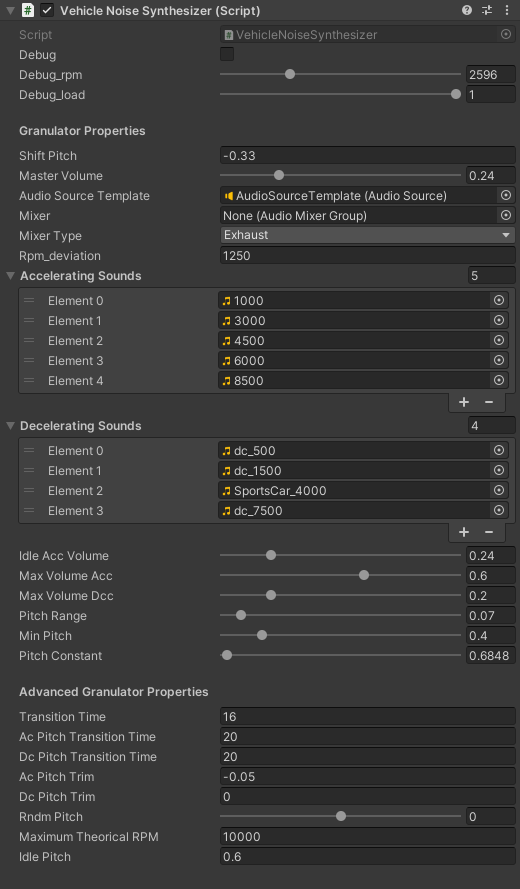
Open-source audio addon for granular engine sound synthesis without external dependencies like FMOD.
Features:
- RPM-based sound synthesis
- No middleware dependencies
- Free and open source
Created by imDanoush. Visit the Vehicle Noise Synthesizer repository for setup instructions and updates.
Audio Middleware
NWH Vehicle Physics 2 uses Unity's built-in audio system with Audio Mixer for routing and effects. To integrate FMOD or Wwise, extend the SoundComponent base class with your own sound components.
See the SoundManager and SoundComponent documentation for custom audio implementation.