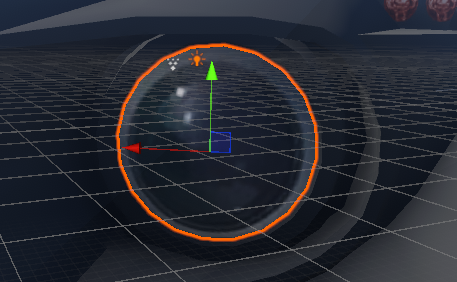
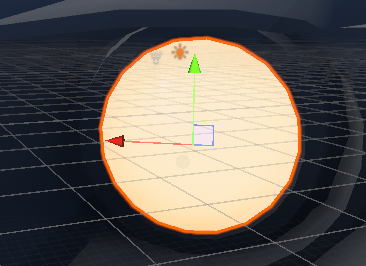
Light Source
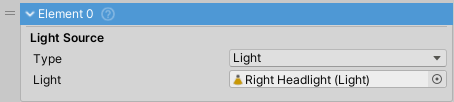
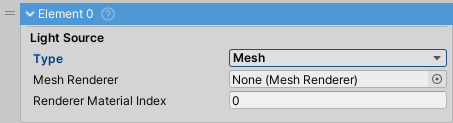
Vehicle light source. Works as either a Unity Light component or an emissive Mesh material.
Light Type
Light Mode
- Uses Unity's Light component (Point/Spot/Directional) for actual scene illumination
- Higher performance cost
- Ideal for headlights and searchlights that need to illuminate the environment
Mesh Mode
- Uses emissive material on a MeshRenderer for visual-only indication
- Better performance than Light mode
- No actual scene lighting
- Ideal for brake lights, turn signals, and decorative lighting
- Material must support emission (Standard shader or HDRP Lit shader)
Properties
- Emission Color: HDR color for realistic bright automotive lighting effects. Used by both modes.
- Renderer Material Index: Material array index when MeshRenderer has multiple materials (Mesh mode only)
Events
- onLightTurnedOn: Called when the light is turned on
- onLightTurnedOff: Called when the light is turned off
Setup Notes
Note: Emissive mesh lights must be separate objects. If your model doesn't have lights as separate objects, extract them in 3D modeling software (e.g., Blender).
Warning: When using Mesh mode, tick the
Emissioncheckbox on the material to ensure the emissive shader variant is included in the build.