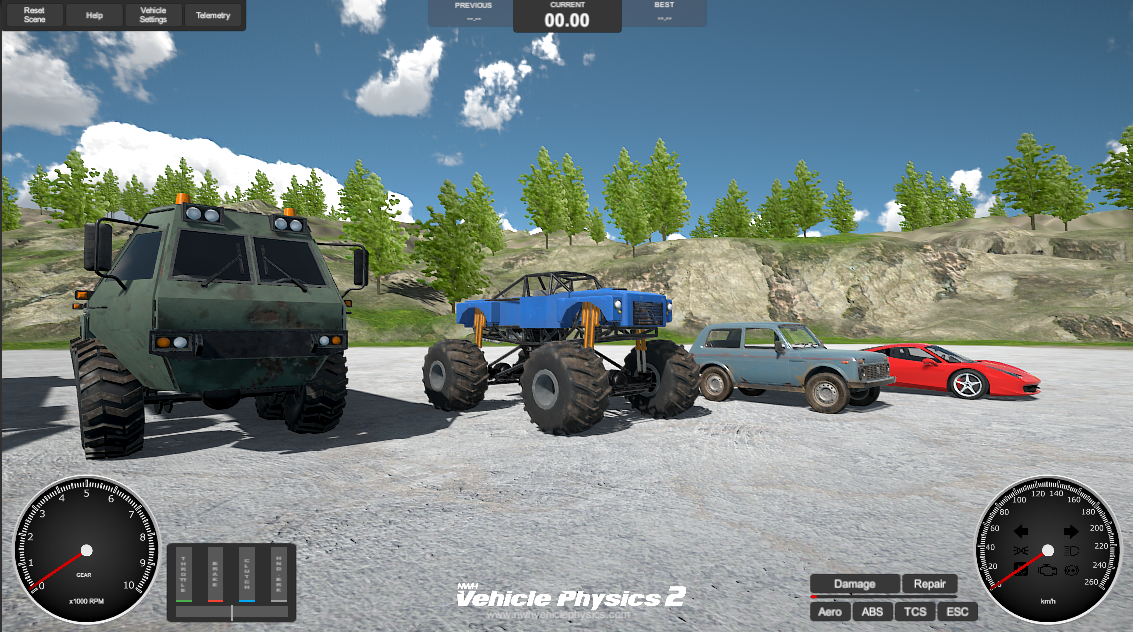
Demos
Vehicle Physics 2 includes several sample scenes demonstrating different features and platforms. Import samples via Package Manager > NWH Vehicle Physics 2 > Samples.
NVP2 Main Demo (Desktop)
Scene: NVP2 Main Demo Input: Keyboard / Gamepad
Main demonstration scene featuring multiple vehicles on an island environment with tarmac roads, dirt roads, and off-road terrain.
Sample: Base Sample (required for other samples)

NVP2 Mobile Demo
Scene: NVP2 Mobile Demo Input: Touch / Keyboard
Mobile-optimized demo with touch controls and reduced physics timestep (30Hz).
Sample: Mobile Sample (requires Base Sample)

FFB Demo (Steering Wheel)
Scene: FFB_Demo Input: Steering Wheel / Gamepad
Force feedback demo configured for Logitech G29/G923 steering wheels with manual transmission. Uses direct input steering without smoothing.
Sample: Steering Wheel Input Sample
Note: Not recommended for keyboard control due to unprocessed steering input.

NVP2 FFB Demo (DirectInput)
Scene: NVP2 FFB Demo Input: Steering Wheel / Gamepad
Force feedback demo using Unity-DirectInput for compatibility with all DirectInput steering wheels.
Sample: Direct Input FFB Sample
Requires: Unity-DirectInput git package
Multiplayer Demos
Mirror Demo
Scene: MirrorDemoScene
Multiplayer networking demo using Mirror framework.
Sample: Multiplayer Mirror Sample (requires Base Sample)
PUN2 Demo
Scene: PUN2DemoScene
Multiplayer networking demo using Photon PUN2.
Sample: Multiplayer PUN2 Sample (requires Base Sample)
WheelController3D Standalone
Scene: WC3D Main Demo Input: Keyboard / Gamepad
Standalone demonstration of WheelController3D physics without full vehicle simulation.
Package: NWH Wheel Controller 3D (separate package)