Camera Changer
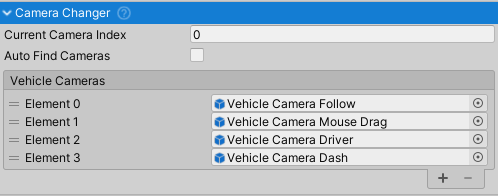
Cycles through cameras, keeping only one active at a time. Automatically manages AudioListeners and disables cameras for multiplayer remote instances.
Note: CameraChanger is part of NWH Common. For detailed camera system documentation, setup examples, and integration with input providers, see NWH Common - Camera System.
Setup
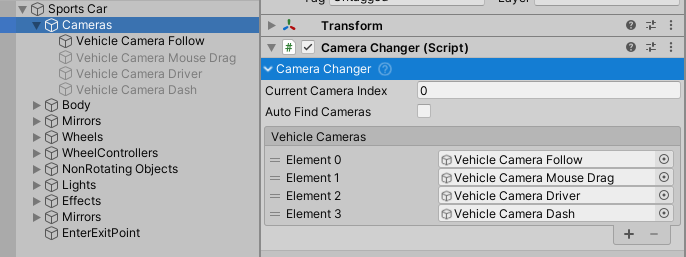
- Attach to empty Cameras object as child of vehicle root.
- Enable
Auto Find Camerasor manually assign toCameraslist. Auto-find requires cameras as children of theCameraChangerobject. - Default switch key:
C(see Input Setup).
Public API
Properties:
cameras- List of camera GameObjects to cycle throughcurrentCameraIndex- Index of currently active cameraautoFindCameras- If true, automatically finds child cameras on Awake
Methods:
NextCamera()- Activates next camera in list (cycles to first)PreviousCamera()- Activates previous camera in list (cycles to last)
Notes
- Automatically enables/disables AudioListeners on cameras
- Works with
CameraInsideVehiclecomponent to track interior camera state - Cameras disabled for multiplayer remote vehicle instances
- Requires
Vehiclecomponent in parent hierarchy