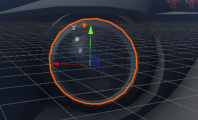
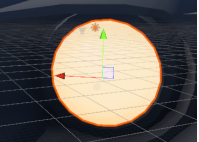
Light Source
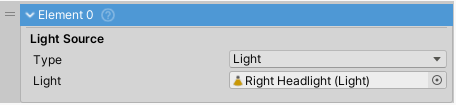
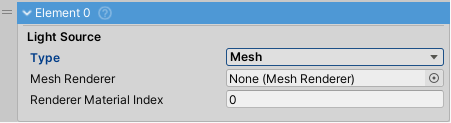
One vehicle light source. Can be a Light or emissive Mesh.
If
Lightis selected asTypeany UnityLightcan be assigned. It will be turned on and off according to user input.If
Meshis selected asTypeanyMeshwithStandardshader can be used. ItsEmissionfield will be toggled to imitate a working light. Since this does not emit enough light to be a headlight usually another light source is used in tandem, this one withSpotLightassigned.Note: For an emissive mesh light to work it needs to be a separate object. If the model does not come with lights and blinkers as separate objects these will need to be separated in 3D modelling software such as Blender (free, open source).
Warning: When using
Meshlight source make sure to tick theEmissioncheckbox on the material. This lets Unity know that this variant of the material is in use and should be included in the build.